🪟 Windows 10 and 11
- Sign in to the child's Windows account. It doesn't need administrator rights.
- Download Beni-Windows.zip, unzip it and double-click Instalar Benikids.cmd.
- Accept installing the games and programs. A few of them ask once for the password of an administrator of the computer.
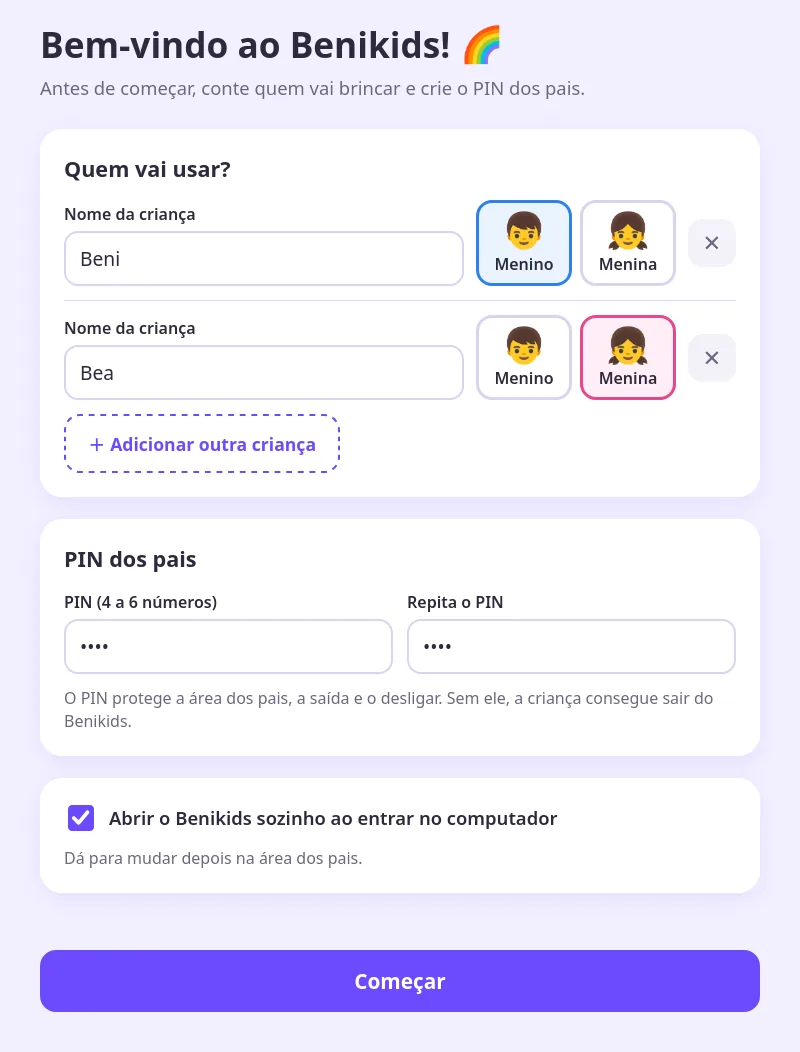
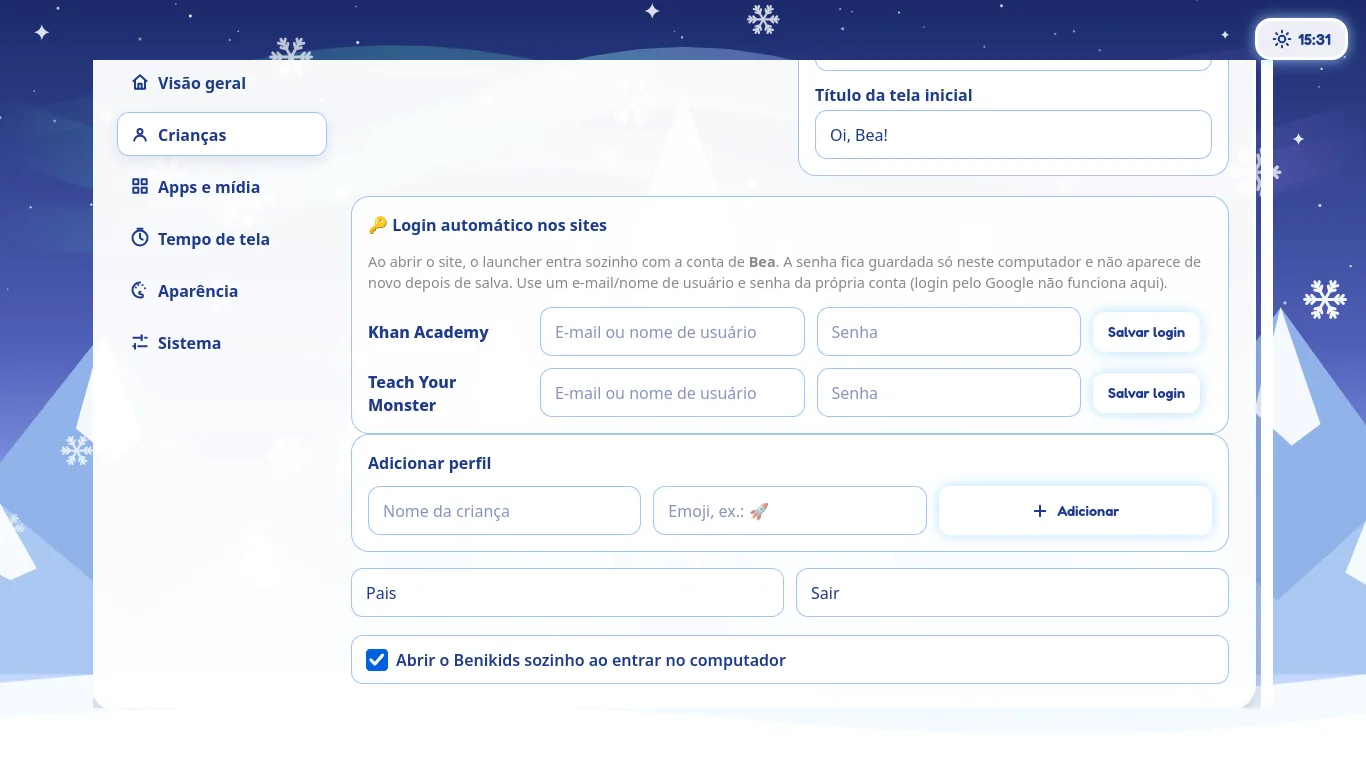
- The first time it opens, enter each child's name and the parents' PIN.
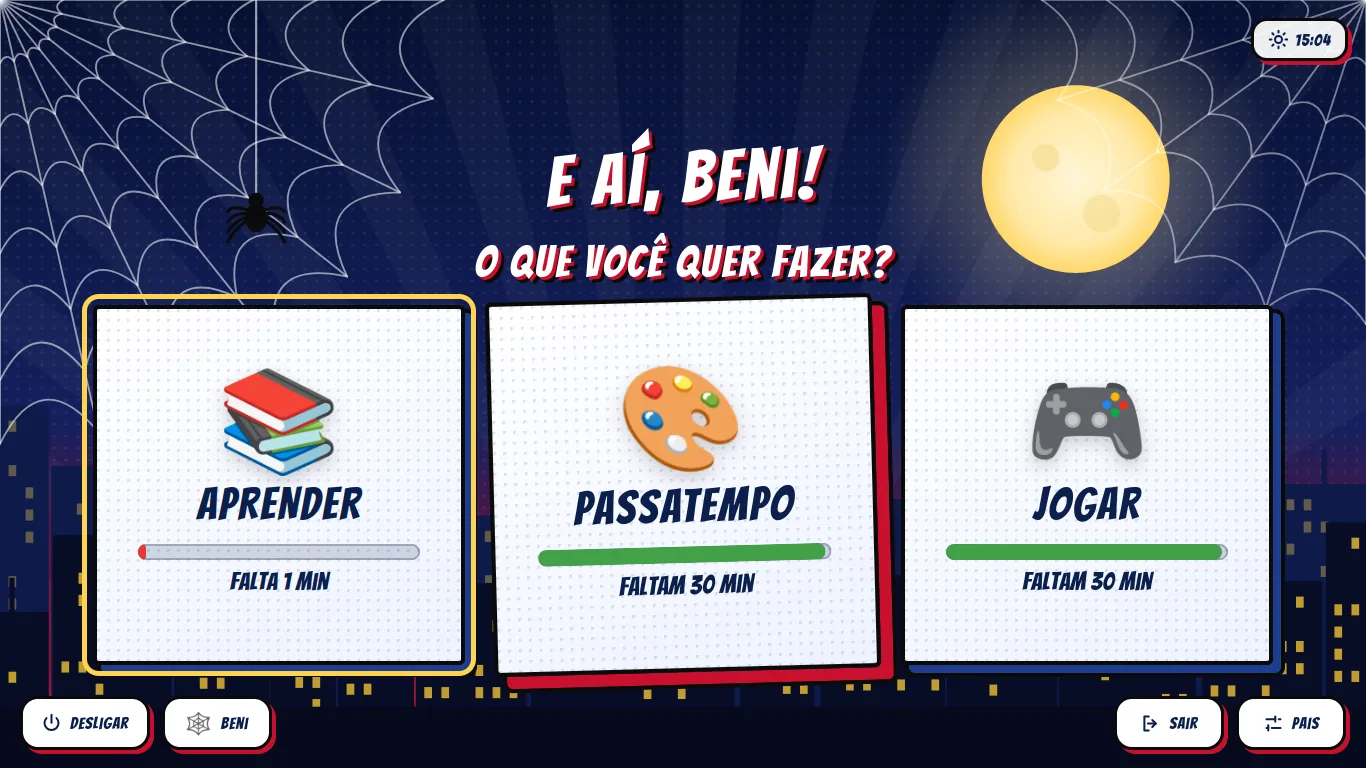
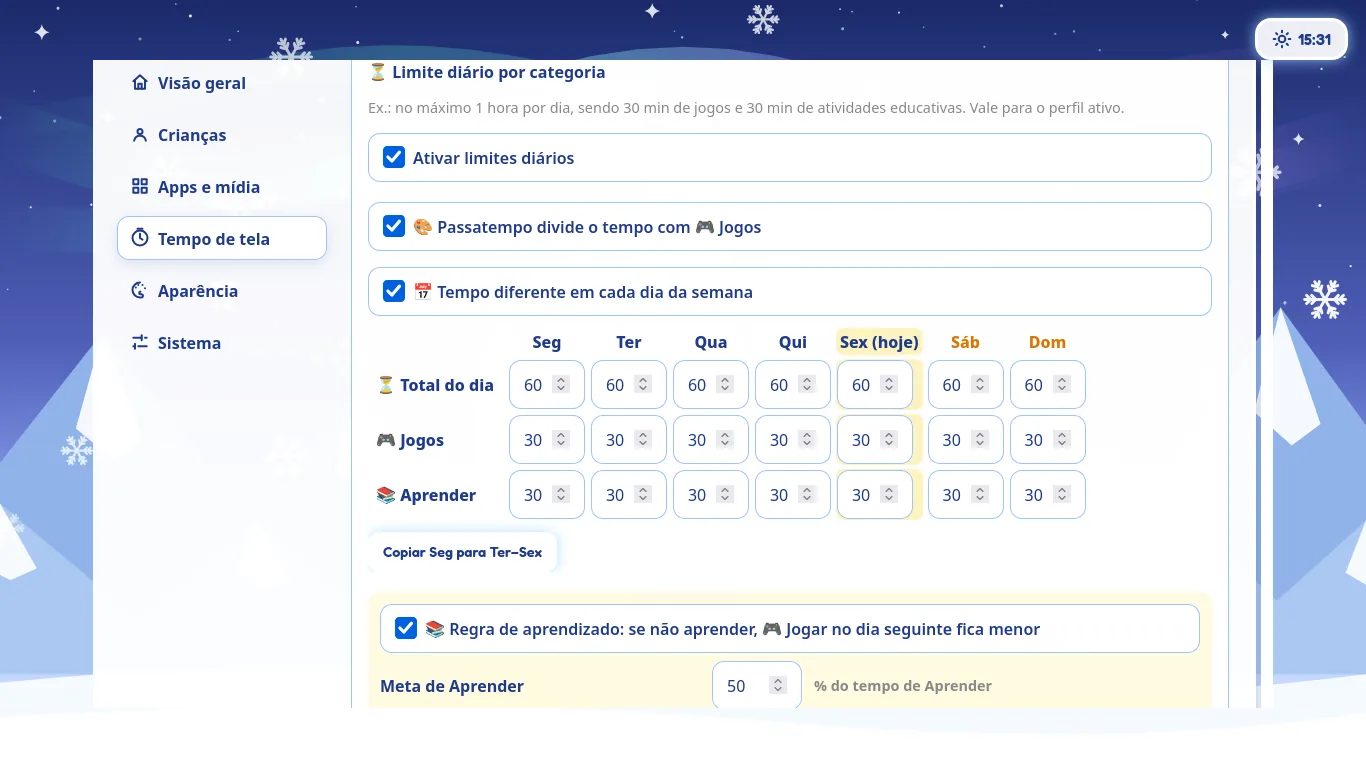
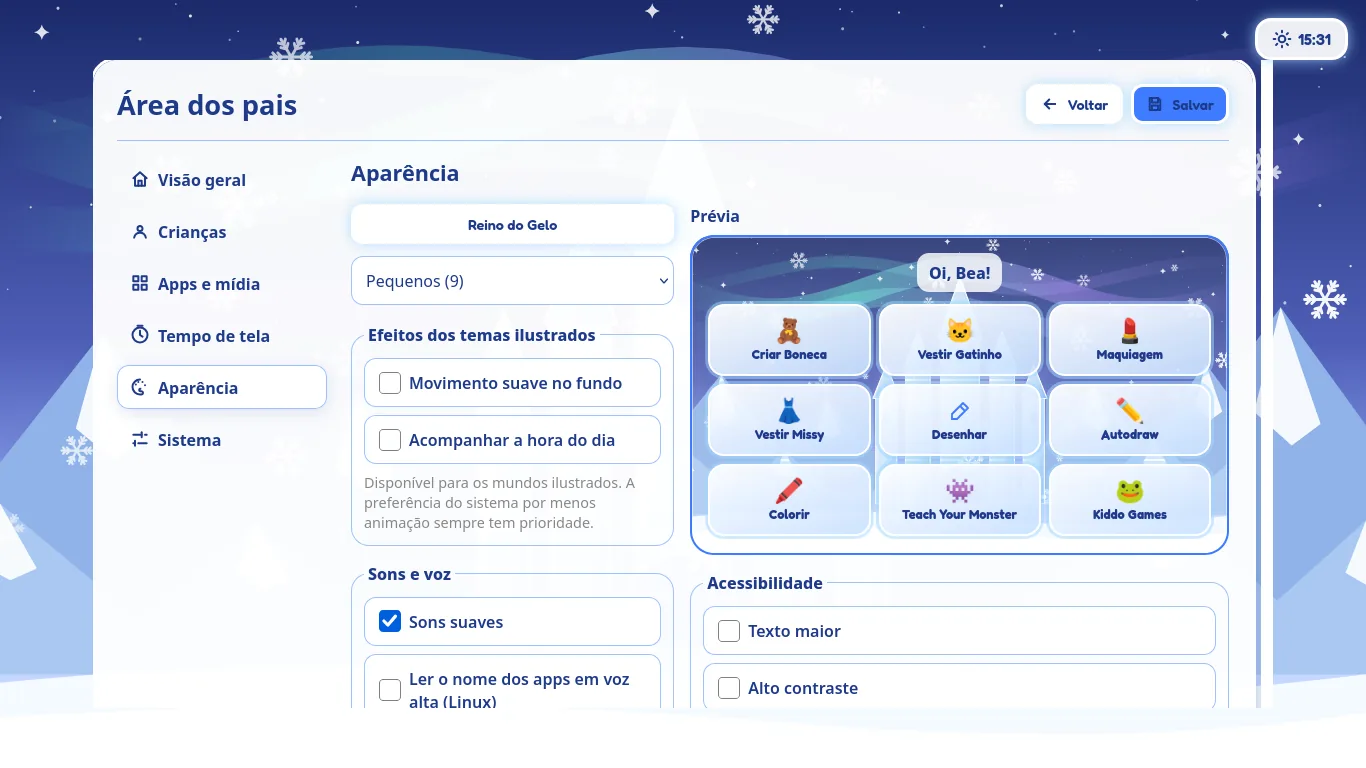
From then on, Benikids opens by itself when the child signs in to Windows (you can turn this off in the parents' area). To update, download the package again and run the installer: settings and screen time are kept.